The College faculty profile system--which feeds a great deal of information to your departmental web site and web page--allows you to enter a great
deal of information about your research, teaching, service, and personal
interests into a form from which departments can extract and display
information.
This system is particularly valuable to the College research
office because we can use it as a database of your research and service
interests. The research office now requires that this information be entered into the system as part of internal and external grant
proposals. The goal is to better serve you by providing you with information
about potential grants, fellowships, scholarships, and other resources that
will enhance your research and community engagement. We strongly encourage all faculty to fill out as much of their profile as possible.
Entering data in the system is simple. First, visit the College's faculty information page at http://faculty.chass.ncsu.edu/
Here, you will see an alphabetical listing of all the faculty in the College.

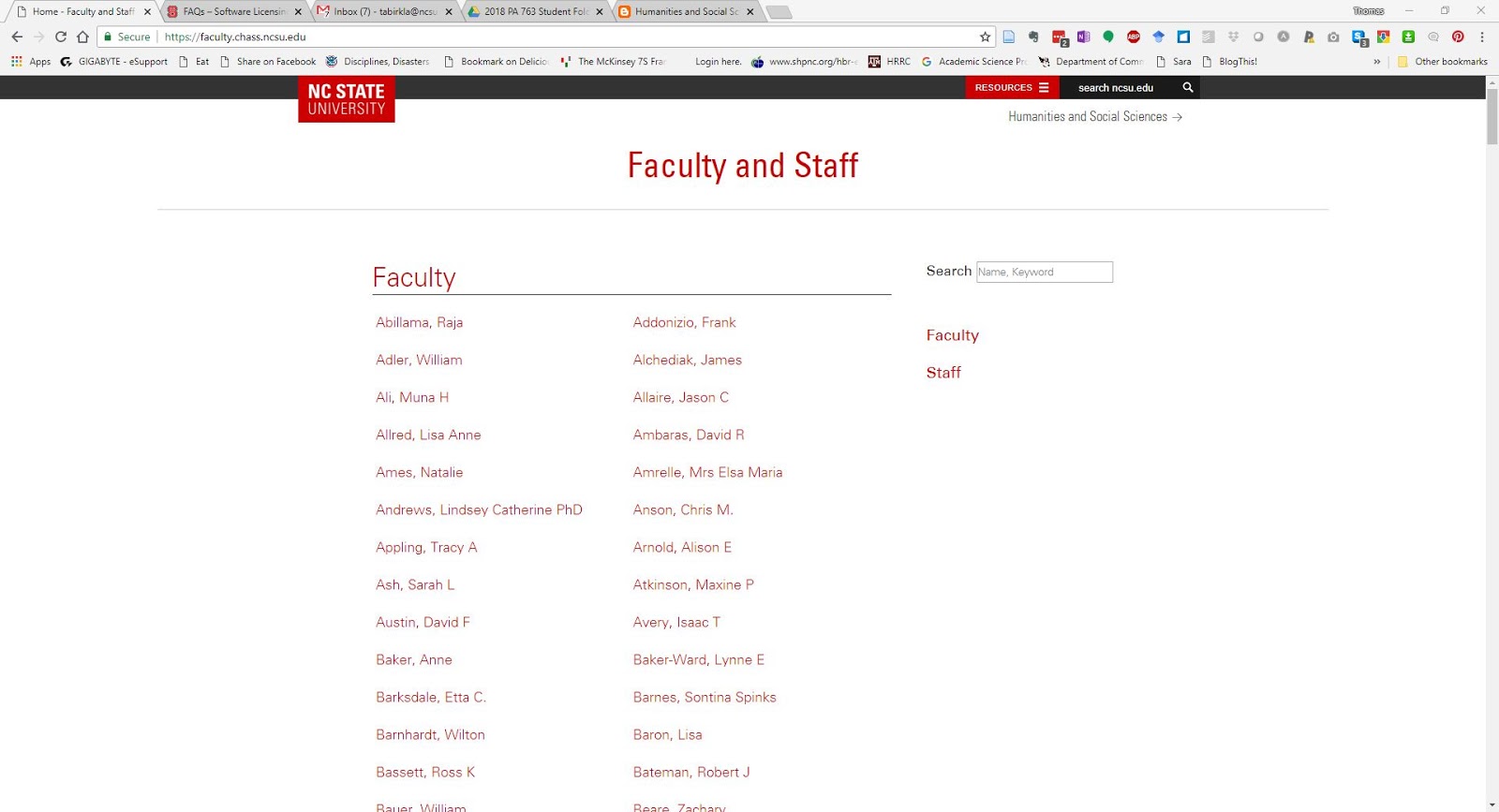
On this page, I will scroll down to find my name. You could
also use the find function (usually, Ctrl+F) to search for your name. Click on
it, and see something like this:

From this point, to edit the page, you need to scroll down to the bottom of your profile page to find a red button that says "authenticate," like this:
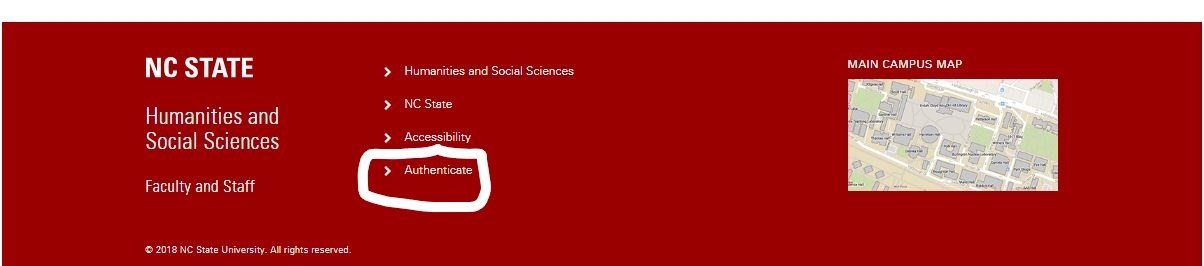
Click on Authenticate, and enter your Unity ID and password. Once again, you'll see the whole list of CHASS faculty. Find your page, click on the link. Now you will see, on your profile page, a link that says edit profile.
You can do a lot of things to edit your page with this form, including upload a picture, a copy of your vita, and course syllabi. You can post your office hours, post a link to your website, and enter
You can do a lot of things to edit your page with this form, including upload a picture, a copy of your vita, and course syllabi. You can post your office hours, post a link to your website, and enter
Your biography
Academic/Research Interests
Academic/Research Projects (ongoing projects, for example)
Funded Research
Extension/Community Engagement activities
Publications
Presentations
Responsibilities
Your degrees
Under all these fields, you will see a set of “view”
options:

Checking these check boxes controls what will be shown on the
College faculty directory website, and on your department website. As you can
see, I have allowed a lot of this to be posted on the page.
I have found it easiest to simply cut and paste material
from my CV into the windows. While it is most straightforward to simply upload
a CV, I cannot search your CV for keywords in this system. I strongly urge you to type your work
into a word processor and save it, and then paste it into this form—otherwise,
as I recently experienced, a browser glitch can make your work disappear. You may also wish to click the submit button often to save your work.
Of course, not all your publications need to be listed in
this system—the last five to ten years might be a good rule of thumb. I’d
appreciate your adding enough to help me understand what you do, and what your
interests are, so that I can find and send you information tailored to your
interests.
With the information you provide, I will be much better able
to support your scholarship with internal and external funding.

